
Get started with Email Campaigns
To start sending Email Campaigns make sure you have added the Email Marketing add-on in your Billing Settings
To get started with email campaigns first head to your account's Campaign Settings and either configure your email or your domain to start sending emails. We recommend domain verification since it will allow our servers to send properly verified emails avoiding Email Providers to mark them as spam.
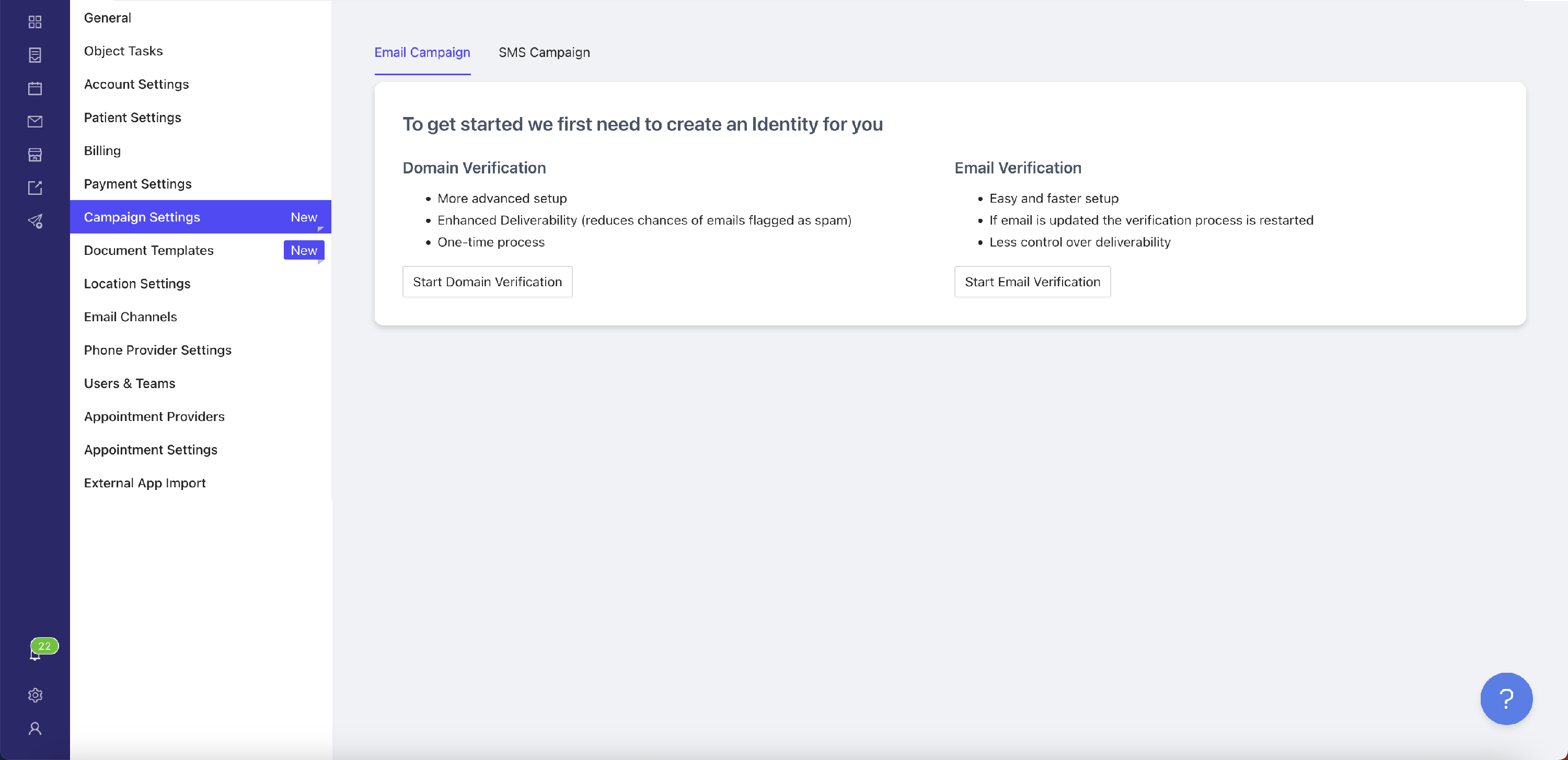
Domain Verification
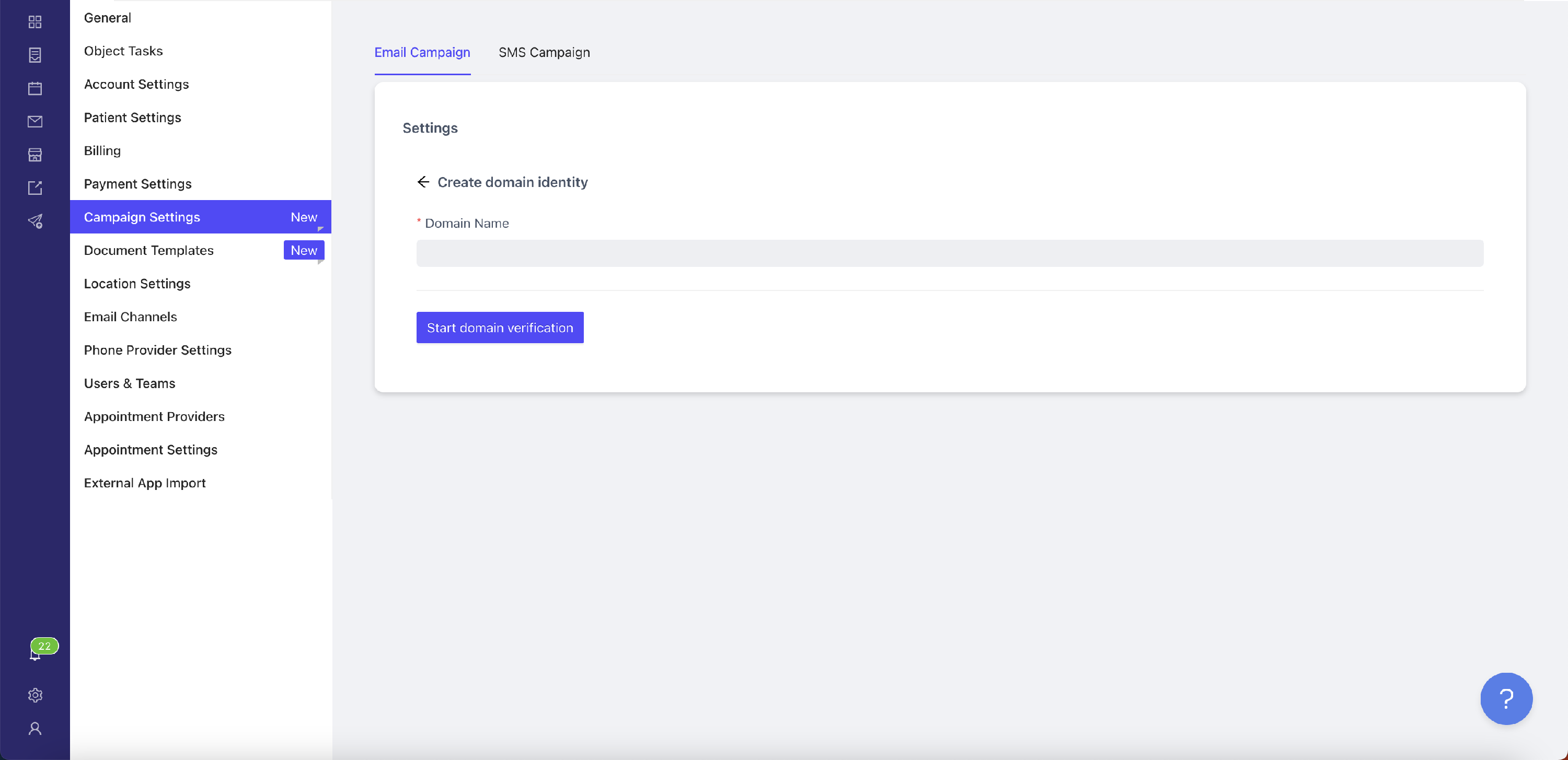
To verify your domain click the "Start Domain Verification" button. Then, enter your domain name in the input field and click the "Start Domain Verification".
After you have added your domain we need to validate your ownership of the domain DomainKeys Identified Mail (DKIM) authentication method. For this you will see a table with the columns that have to be added to your domain DNS:
- Type
- Name
- Value
All rows will have the same type CNAME. This will be the type of the DNS record. The name column will be the Name of the DNS record as well as the value. After you have added all 3 (three) records you can use this tool to check the record has been propagated by inputing the value of the Name column in the input field and getting the Value column as the response.
After adding the records it may take 24 hours for the system to verify the records. If you have any questions you can always reach out to us for support.