
Add an Appointment Provider
How can you add a provider?
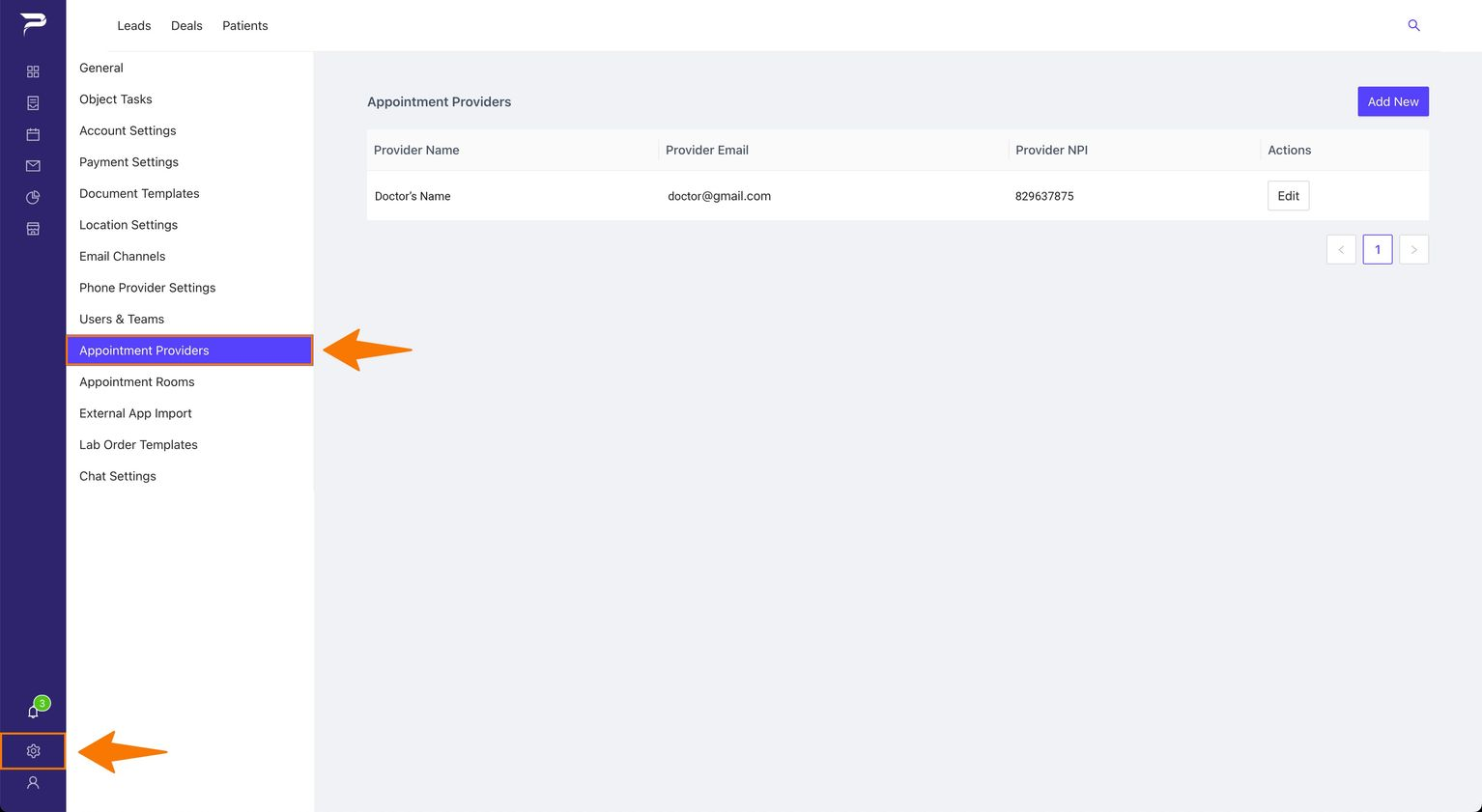
1: Go to Settings and then click on 'Appointment Providers' in the left sidebar.
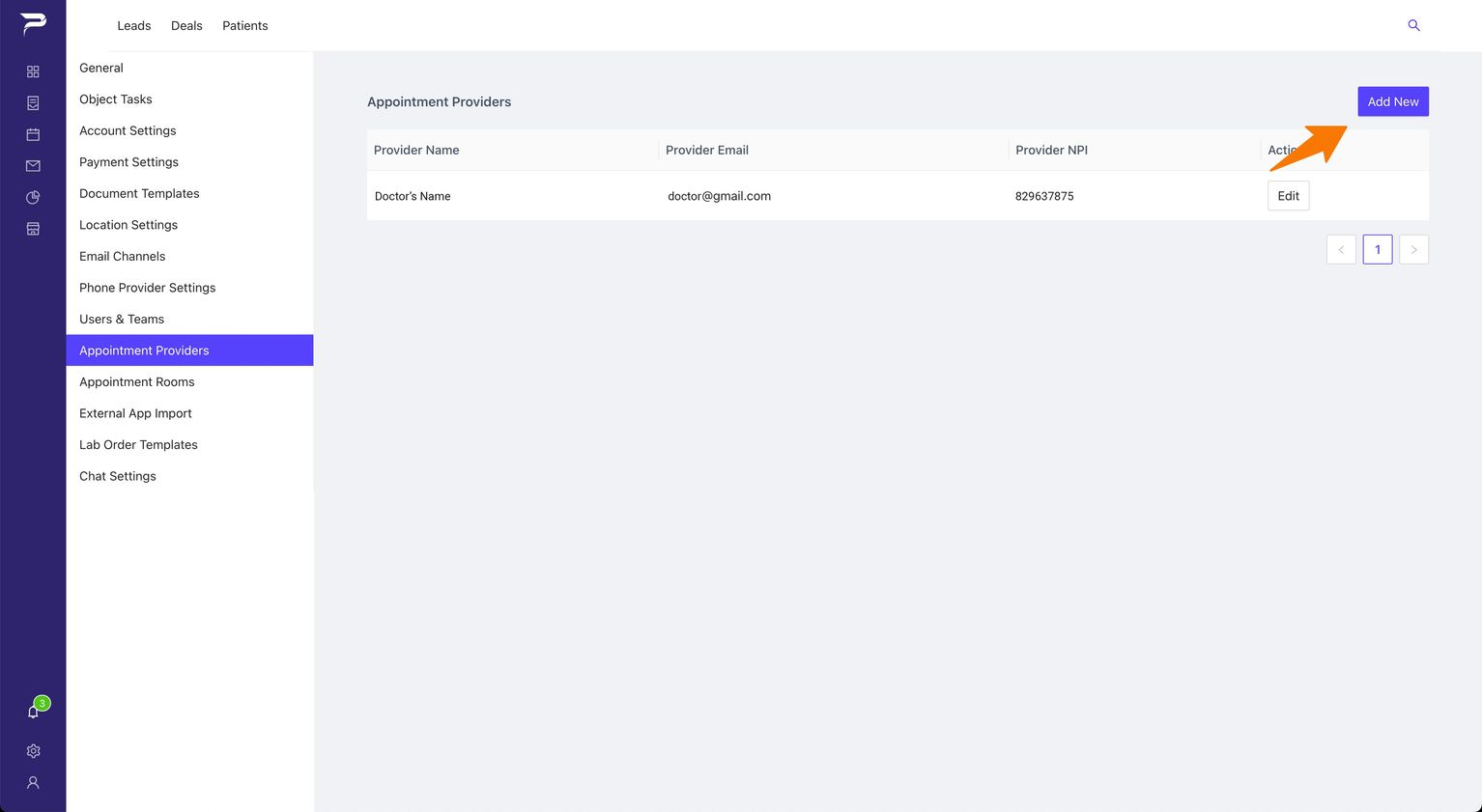
2: Click the button “Add New“
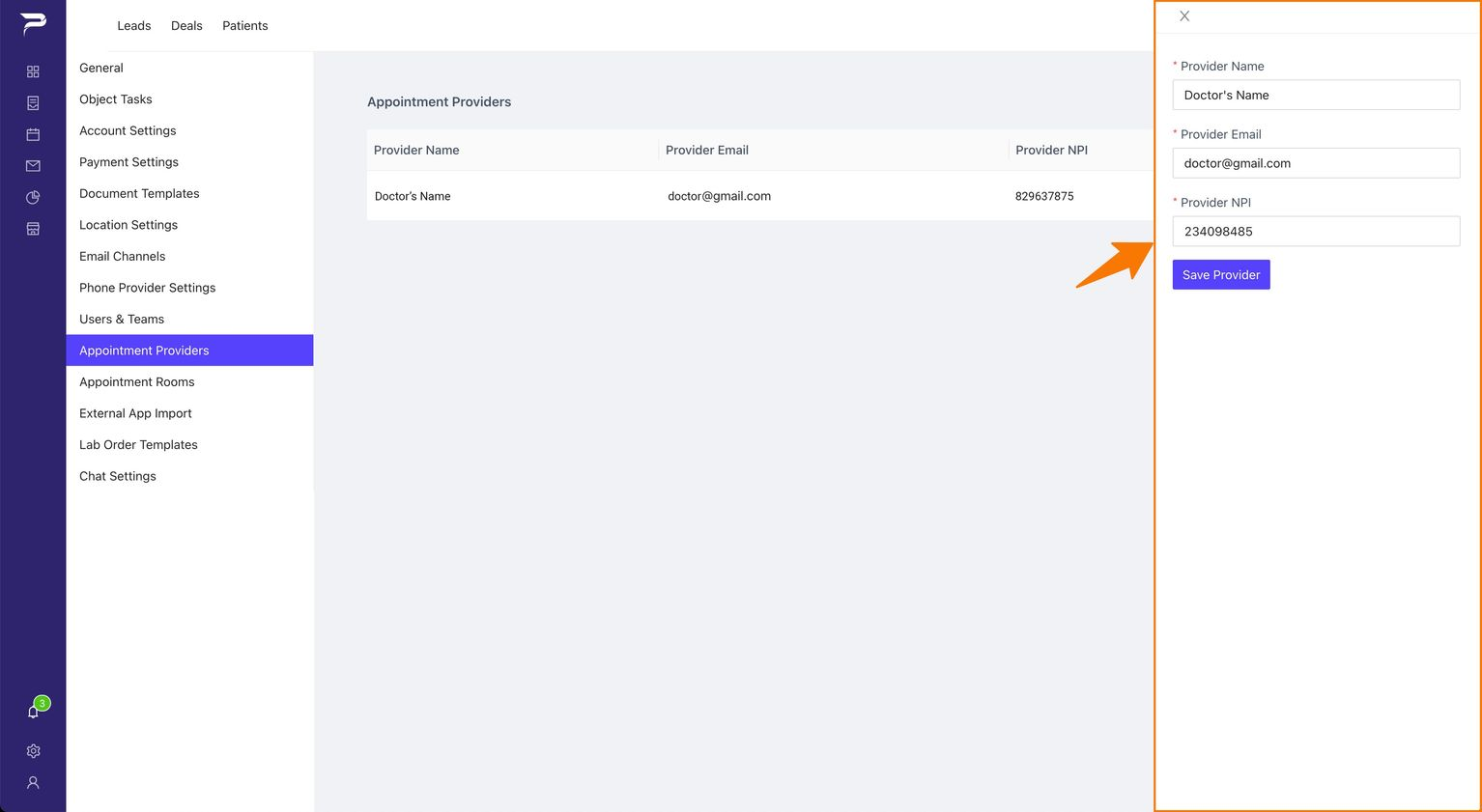
3: It will appear in a left sidebar with all the information you need to fill out.
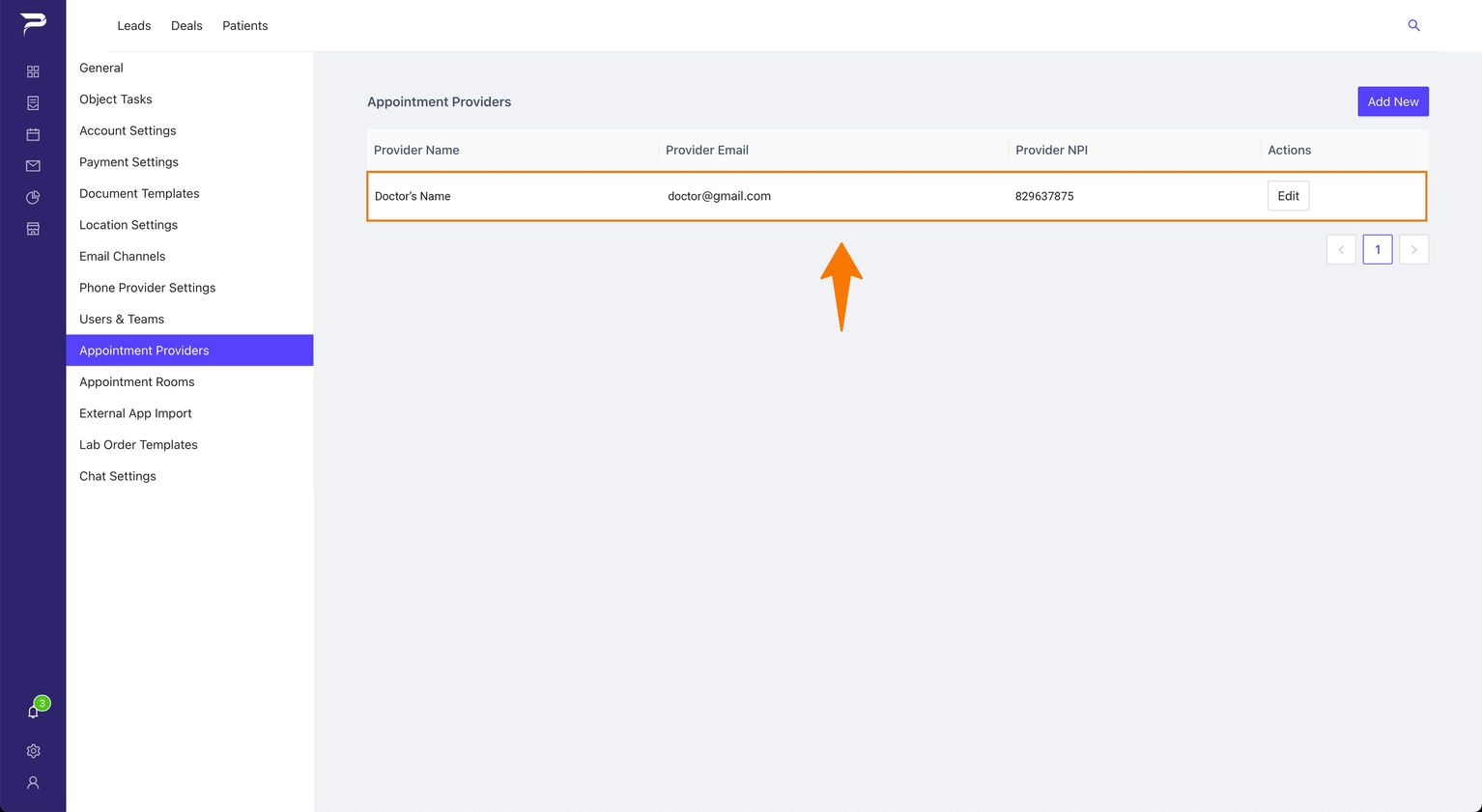
4: Once you save the new provider, it will be reflected as shown in the image below.
Instructions
Highlight important information in a panel like this one. To edit this panel's color or style, select one of the options in the menu.
Related articles
-
Page:
-
Page:
-
Page:
-
Page:
-
Page: