
Lead Details Workplace
Overview and explanation of the lead layout
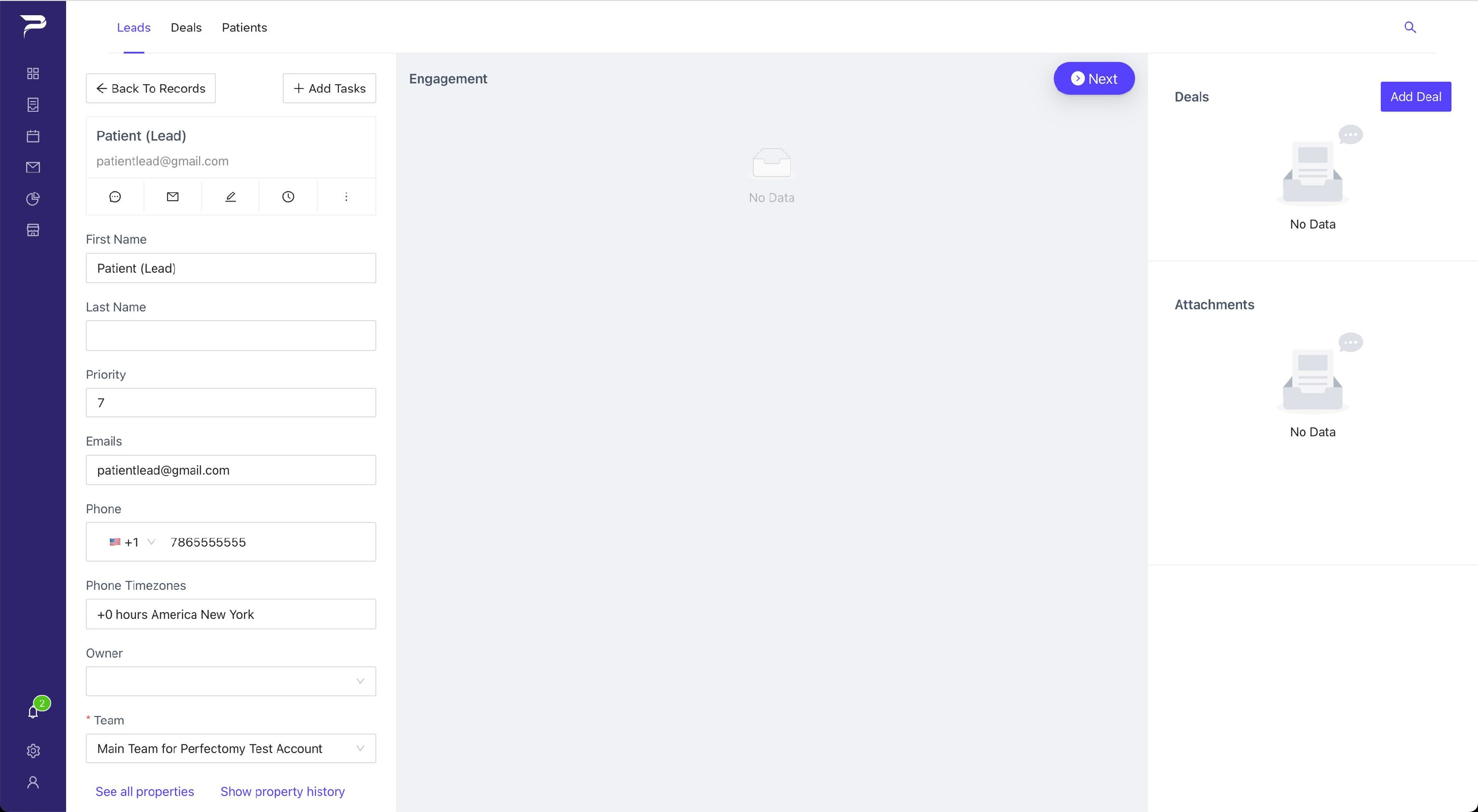
Three main blocks:
Left Sidebar: This block has a few options, such as adding tasks, making alerts, editing lead information again, or going back to records.
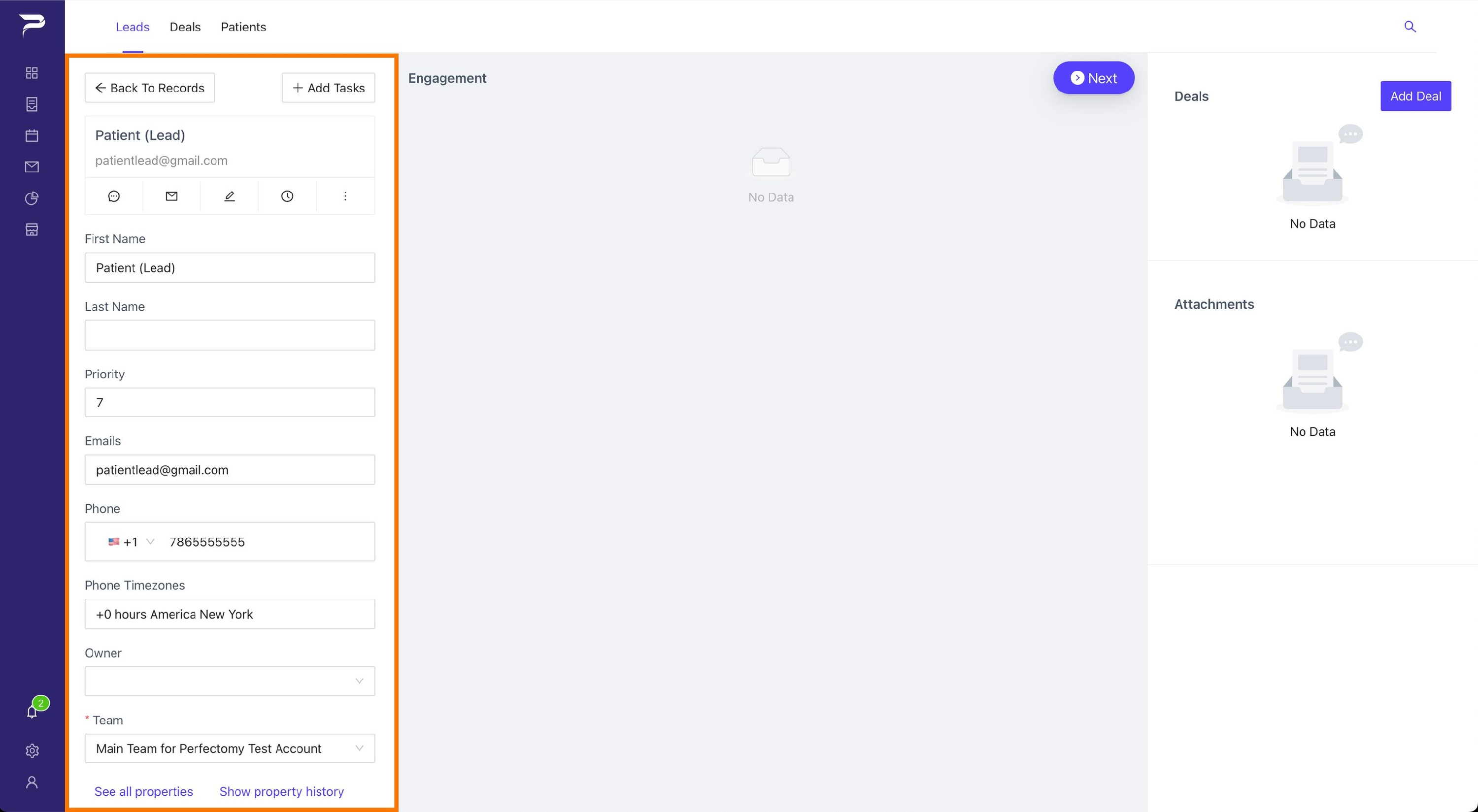
Middle Block: In this block will appear all the engagements relevant to the lead, such as notes, emails, messages, phone calls recordings
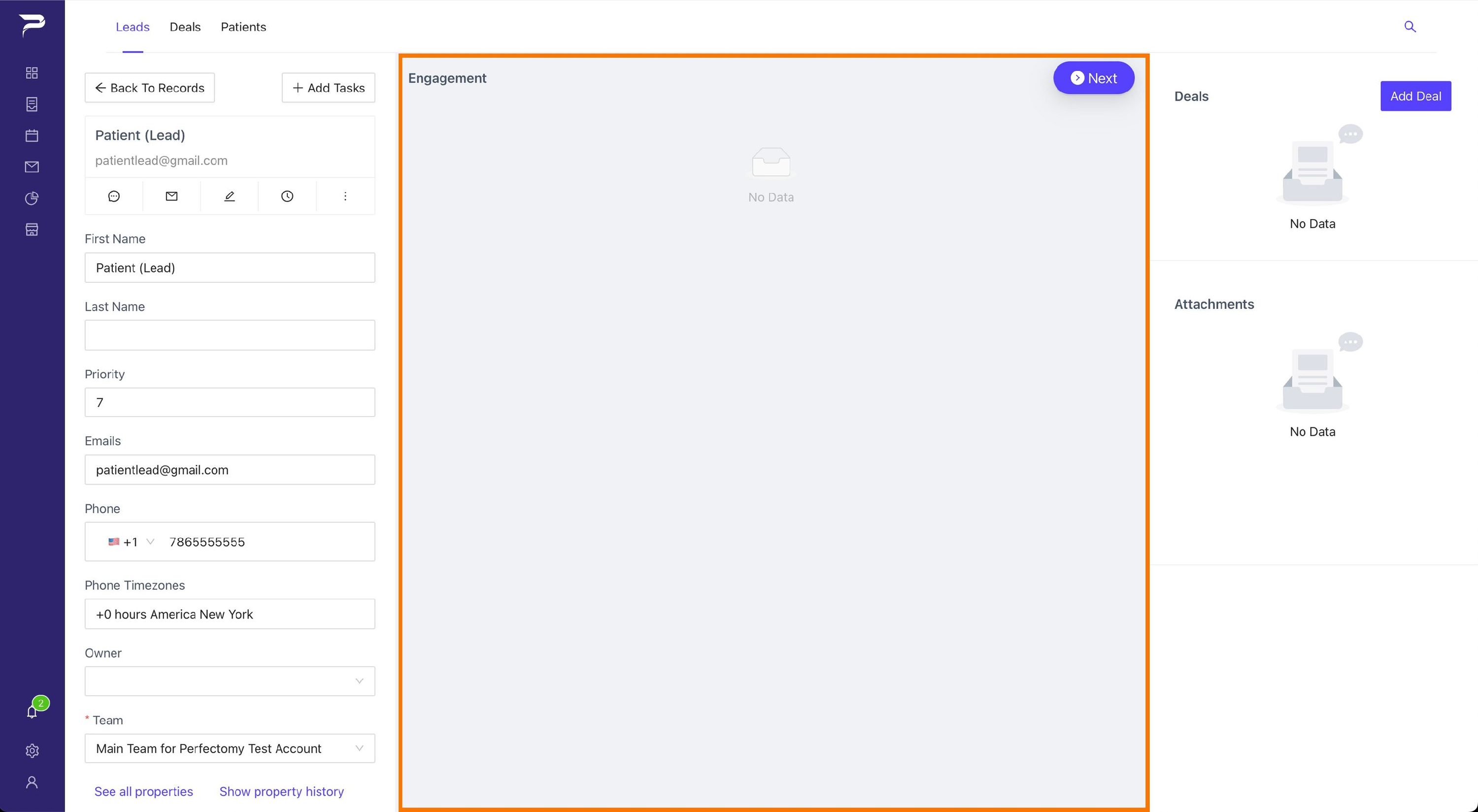
Right Sidebar: In this block, you have the option to create deals or add attachments.
Learn how to add an attachment >
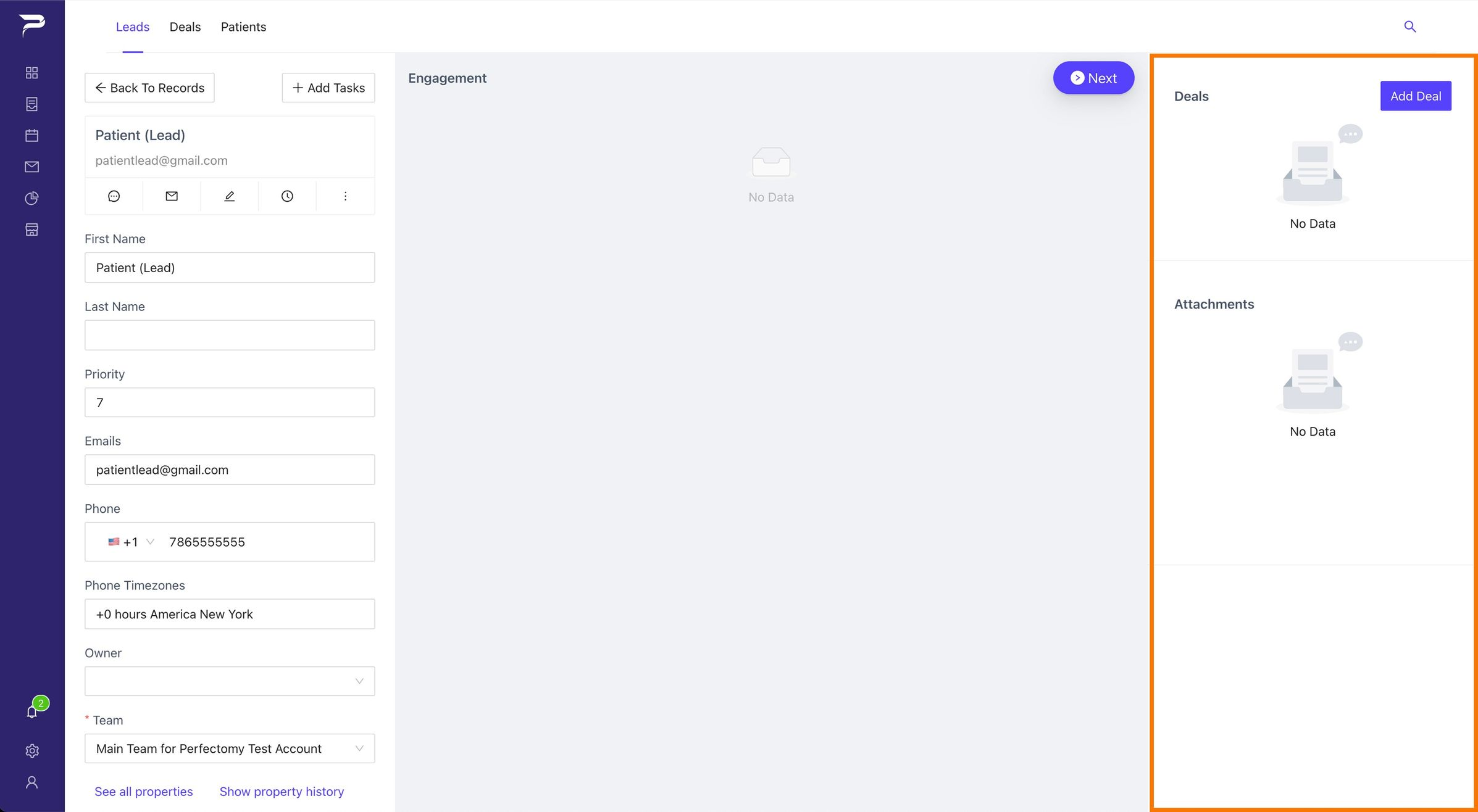
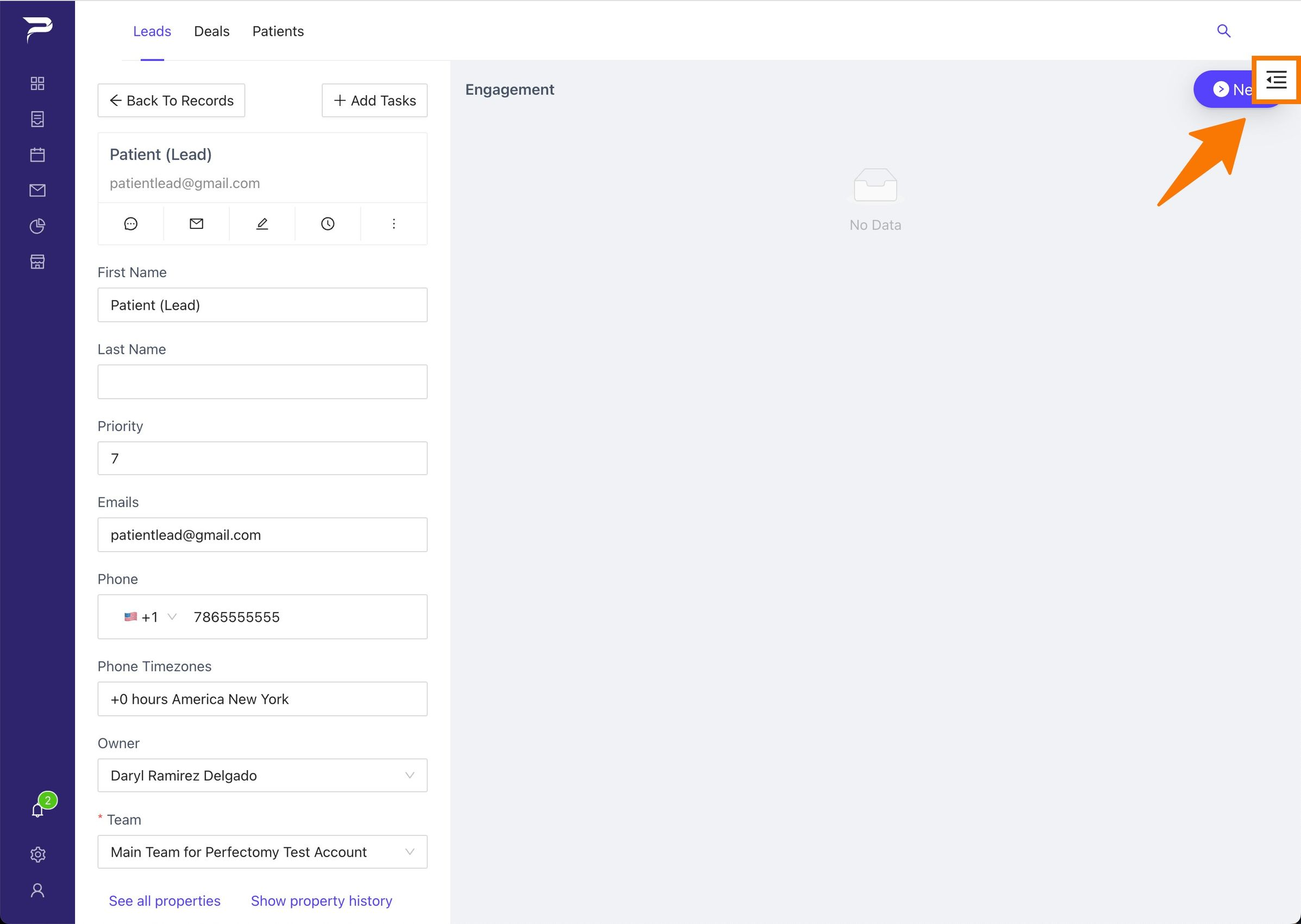
Note: If you can't see the right sidebar, your computer's display may be smaller than the picture above. The only thing you have to do is expand it by pressing the button shown in the picture below.
Instructions
Highlight important information in a panel like this one. To edit this panel's color or style, select one of the options in the menu.
Related articles
-
Page:
-
Page:
-
Page:
-
Page:
-
Page: