
Add Users to a Team
In this article, you will learn how to add a user to a team or how to create a team with users.
-
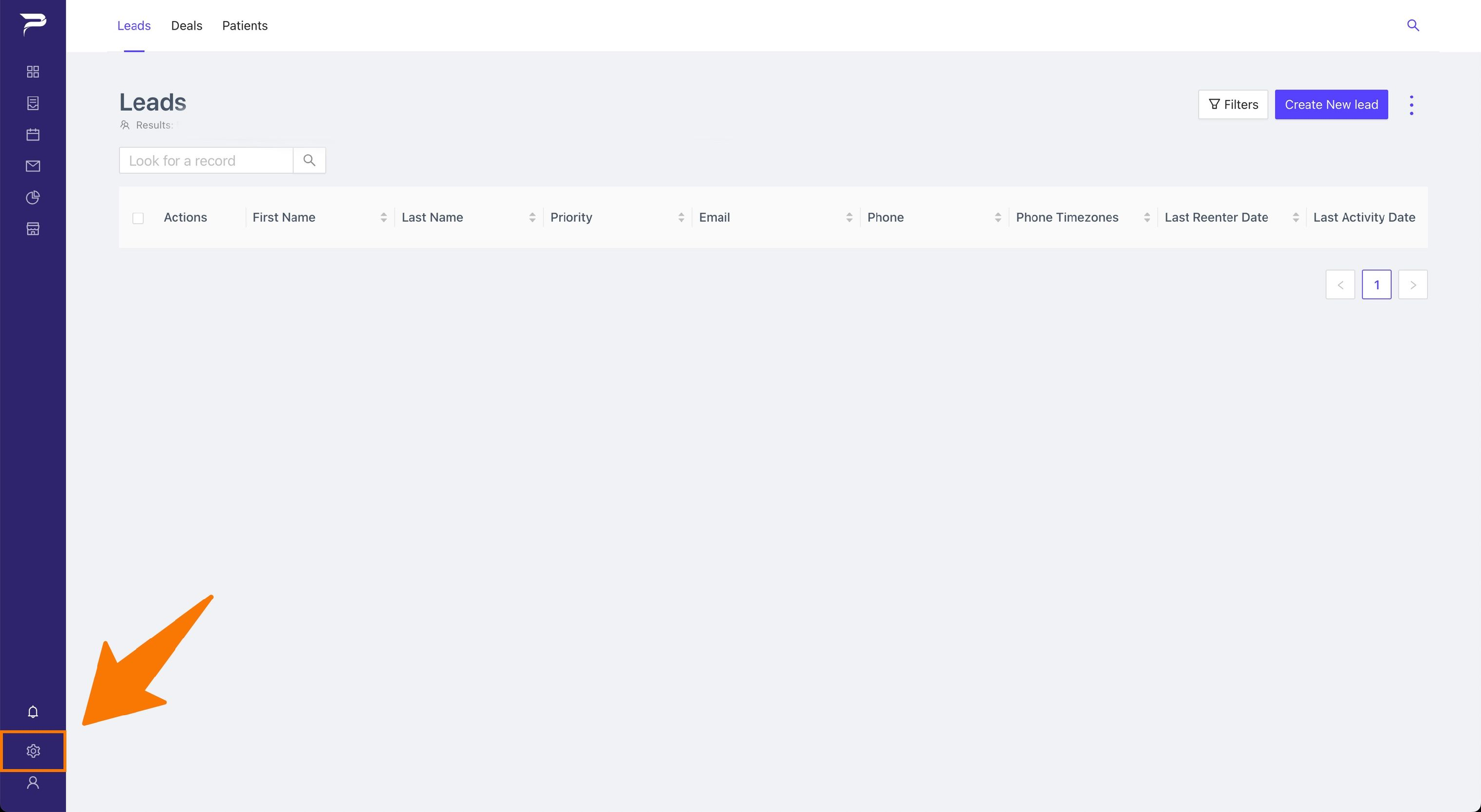
Navigate to the settings page.
-
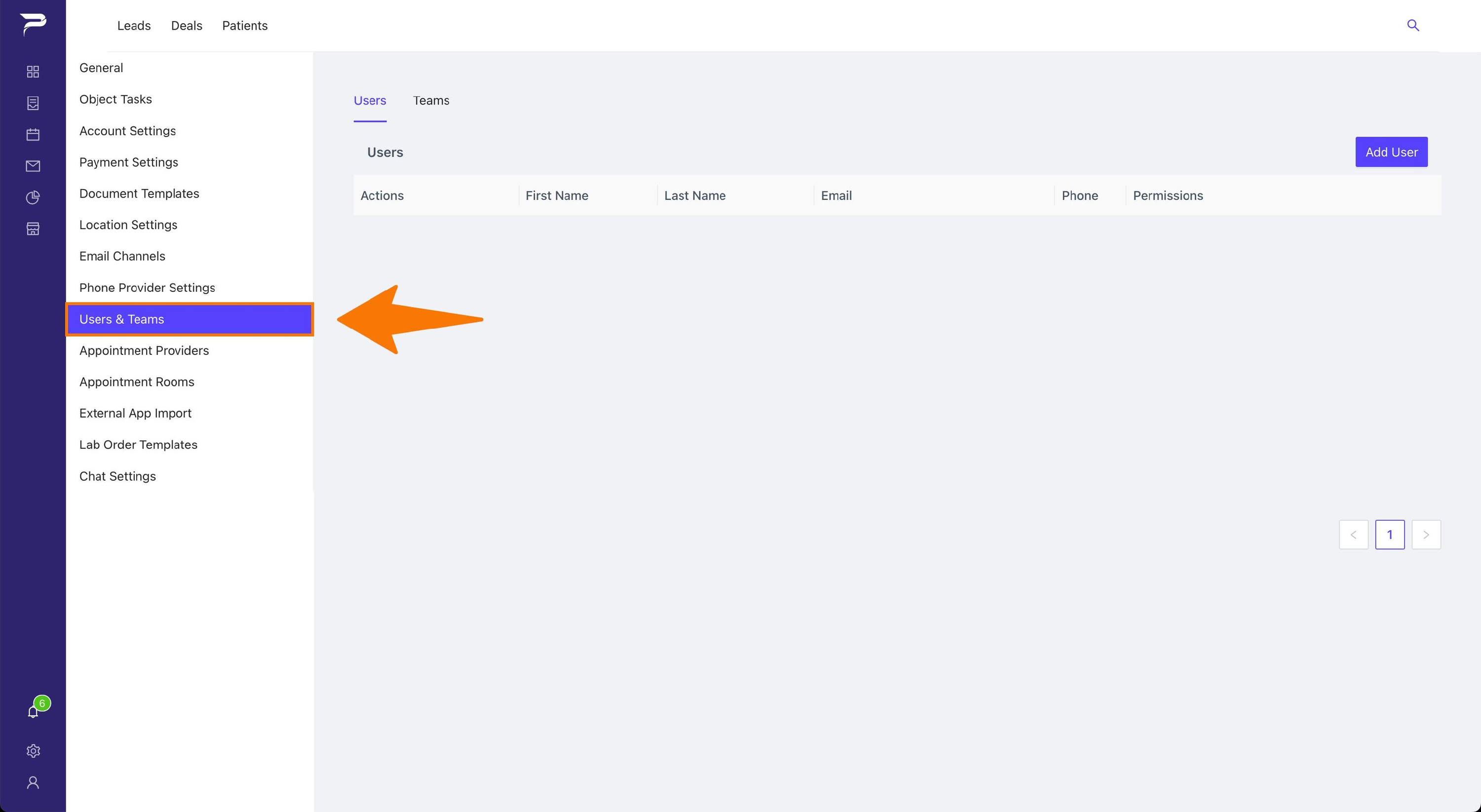
Click the Users and Team item.
-
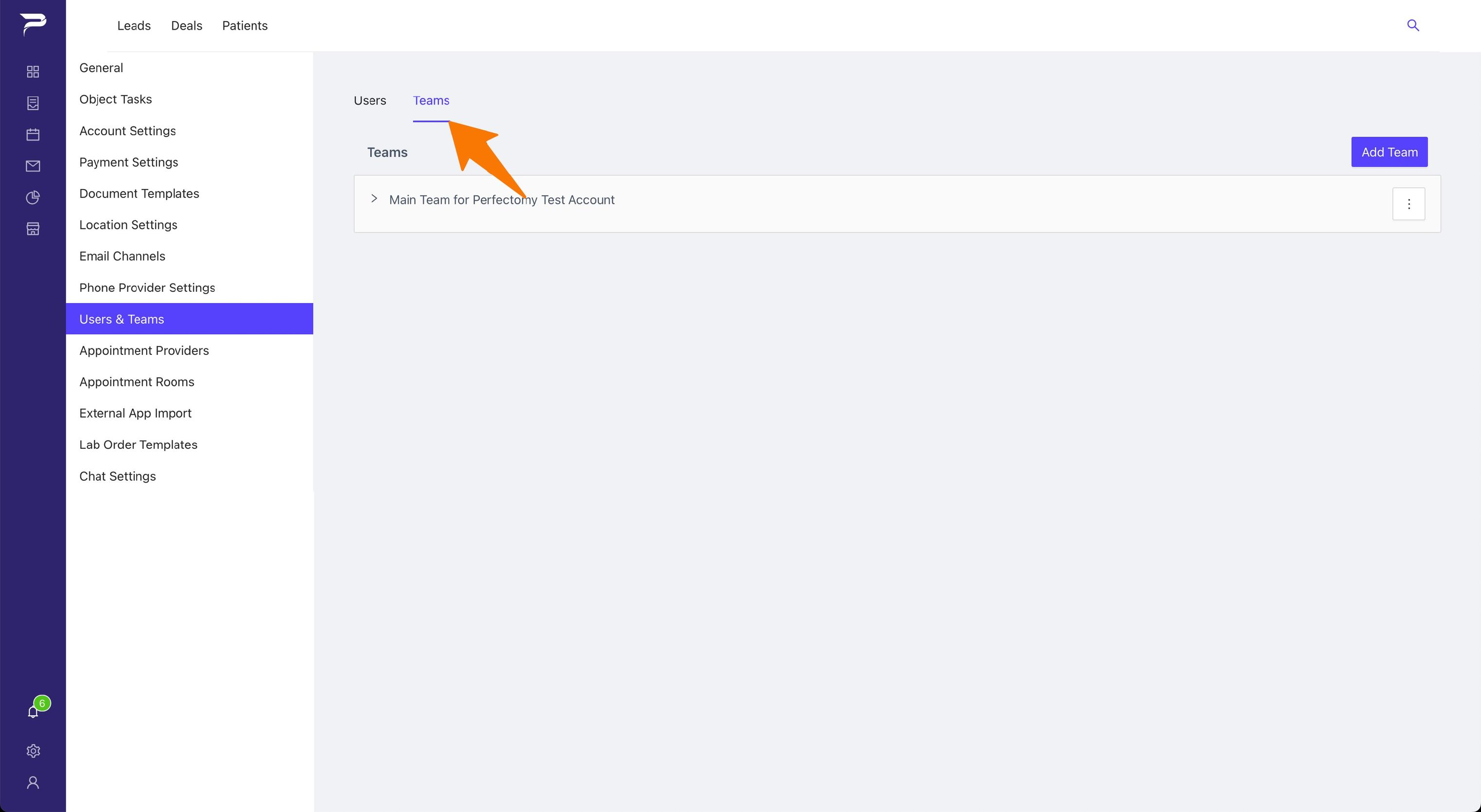
Click the Team tab above the table.
-
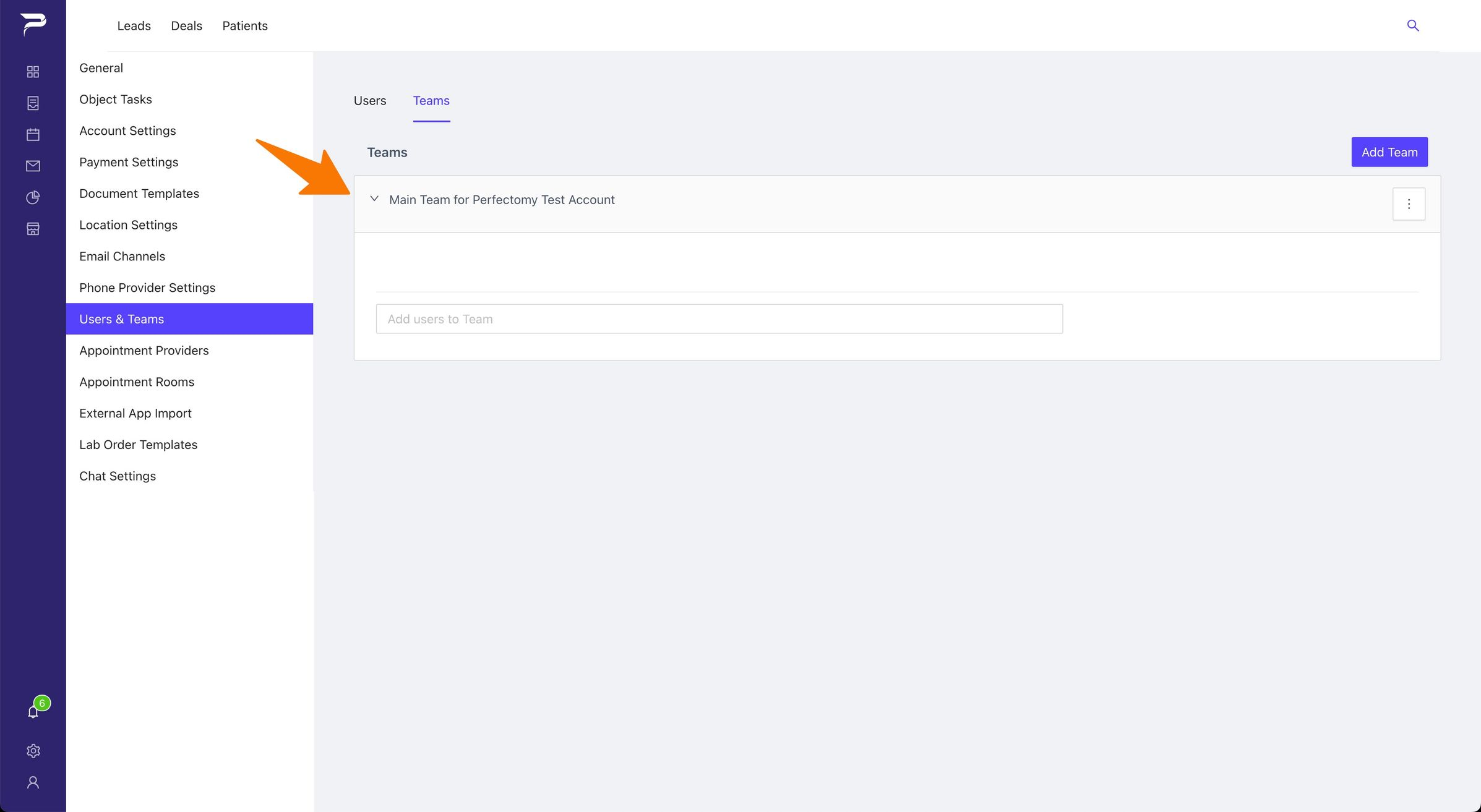
Click the dropdown arrow.
-
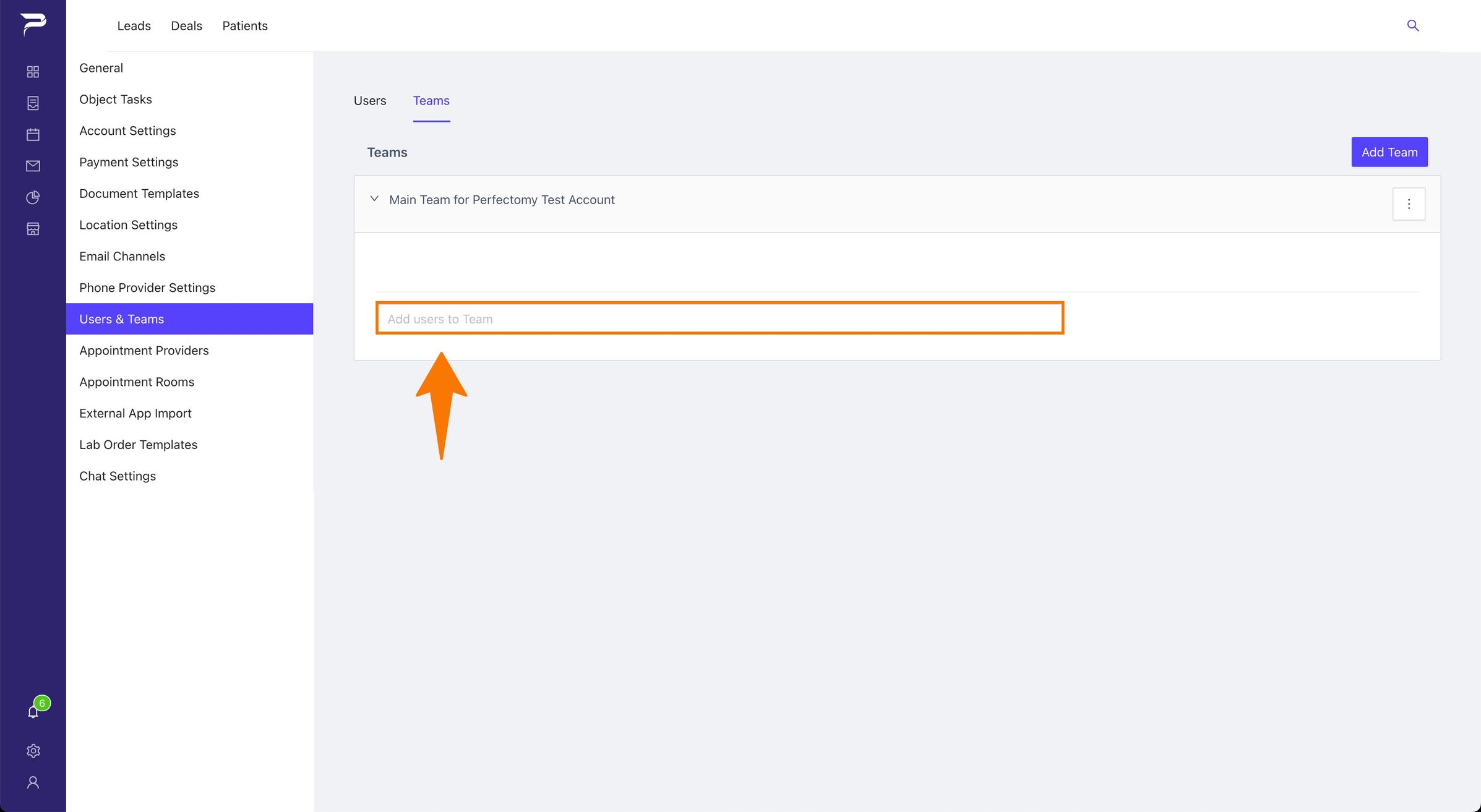
Enter the users name and select.
-
Click the Add button for the changes to take effect.
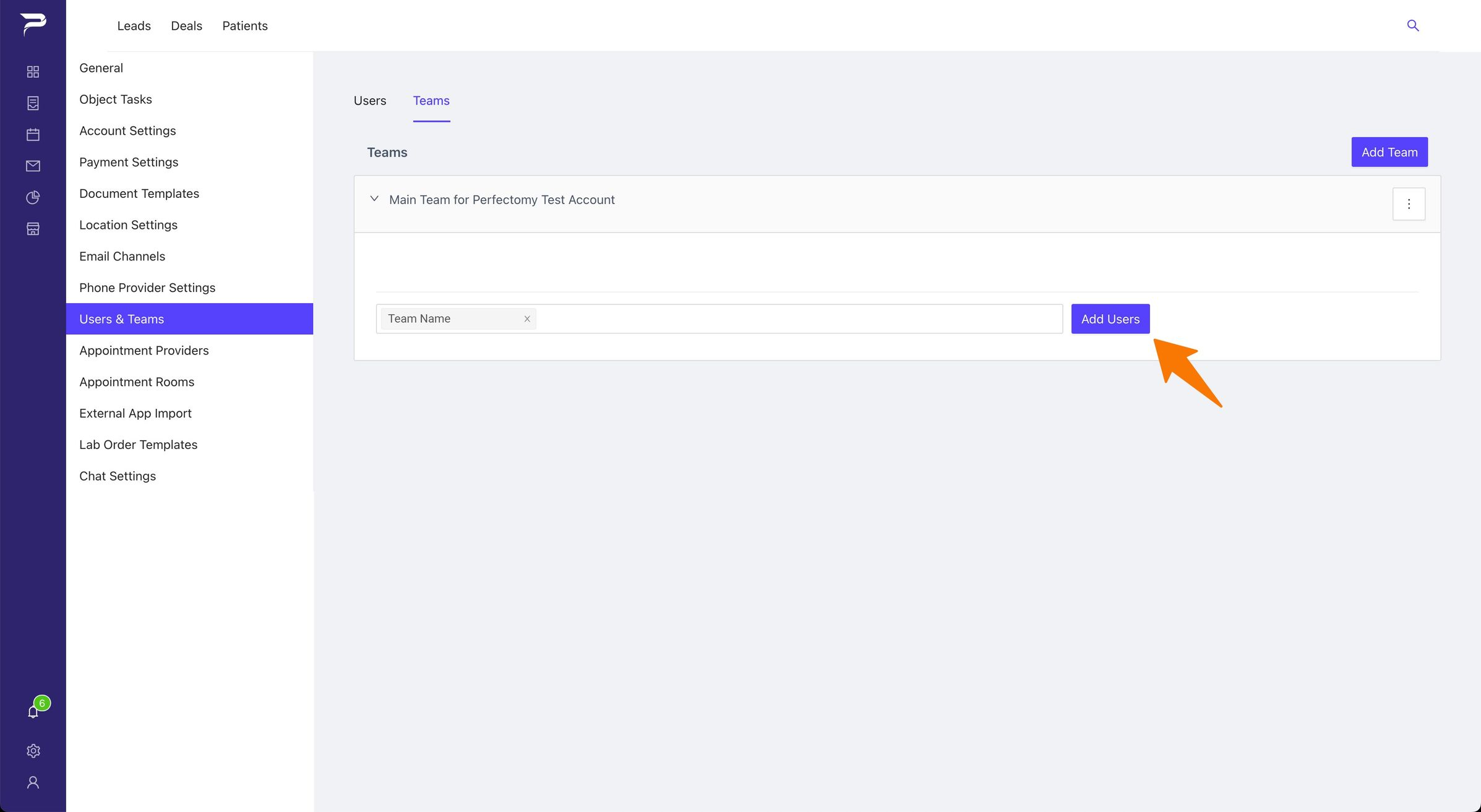
If you would like to create a team: Click the Add Team button and enter the name and the users you would like to have in team