
Add User to Account
In this article you will learn how to create users for your account and assign them to a Team.
Instructions
Follow the next steps to create a User.
-
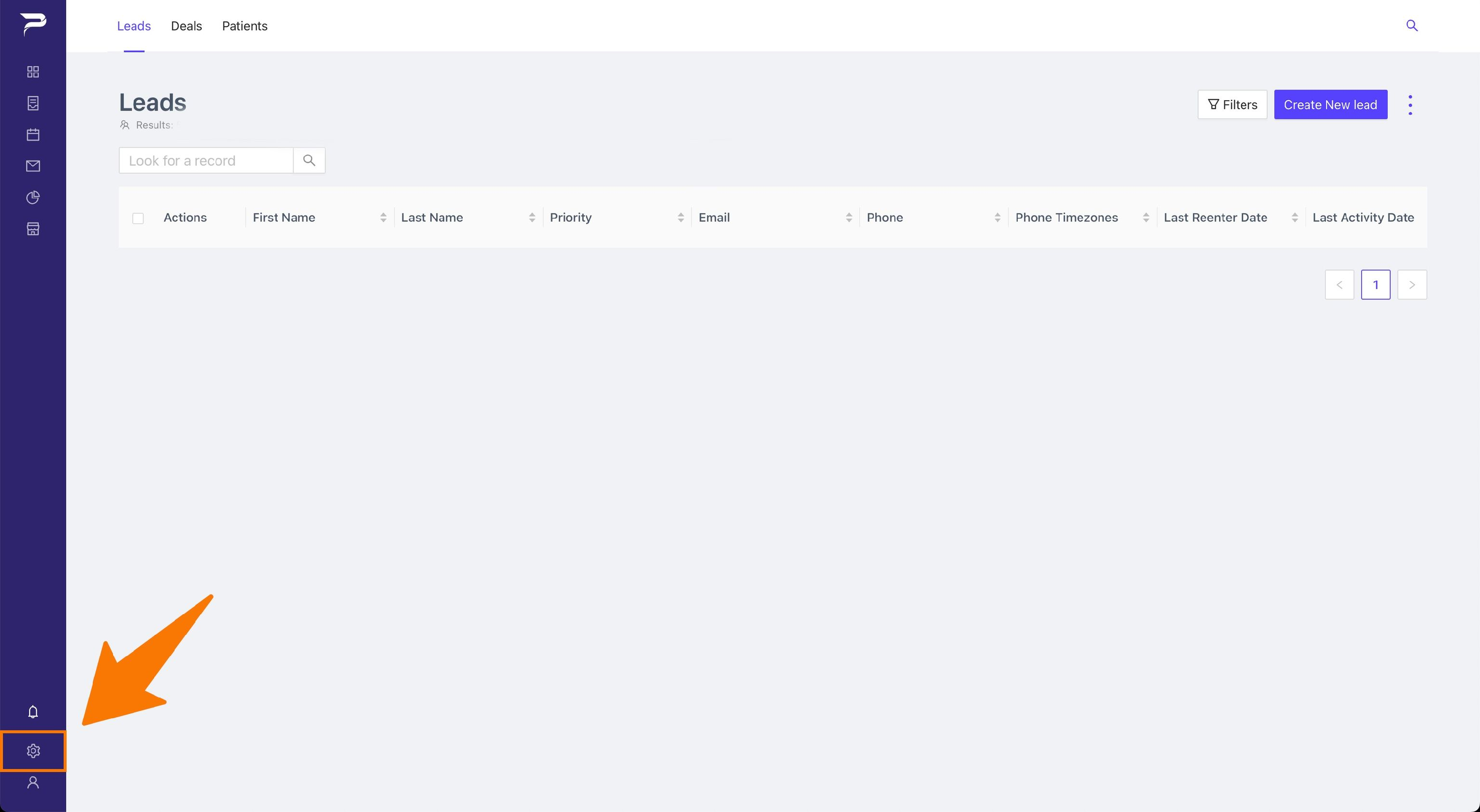
Navigate to the Settings Page.
-
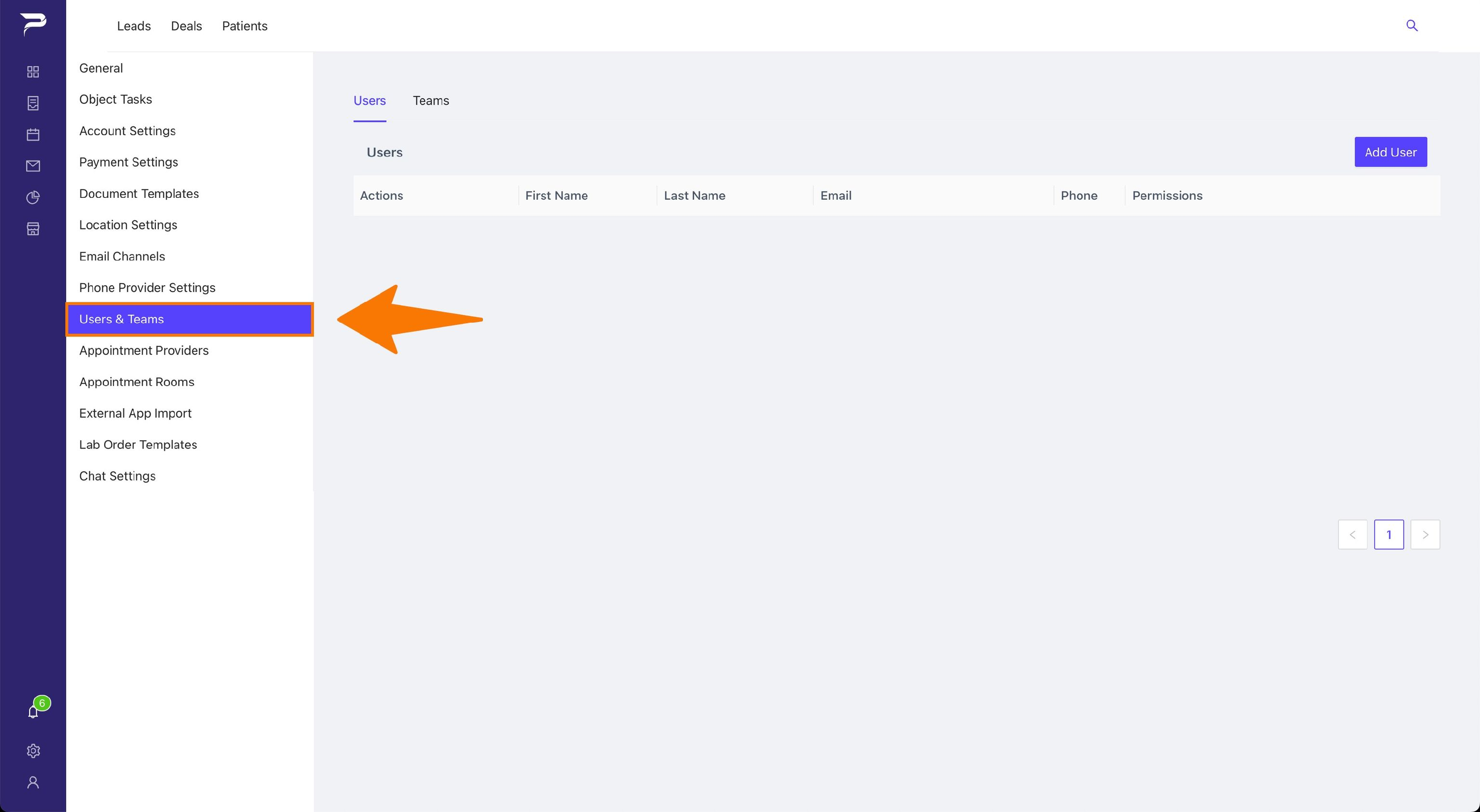
Click the option Users and Teams
-
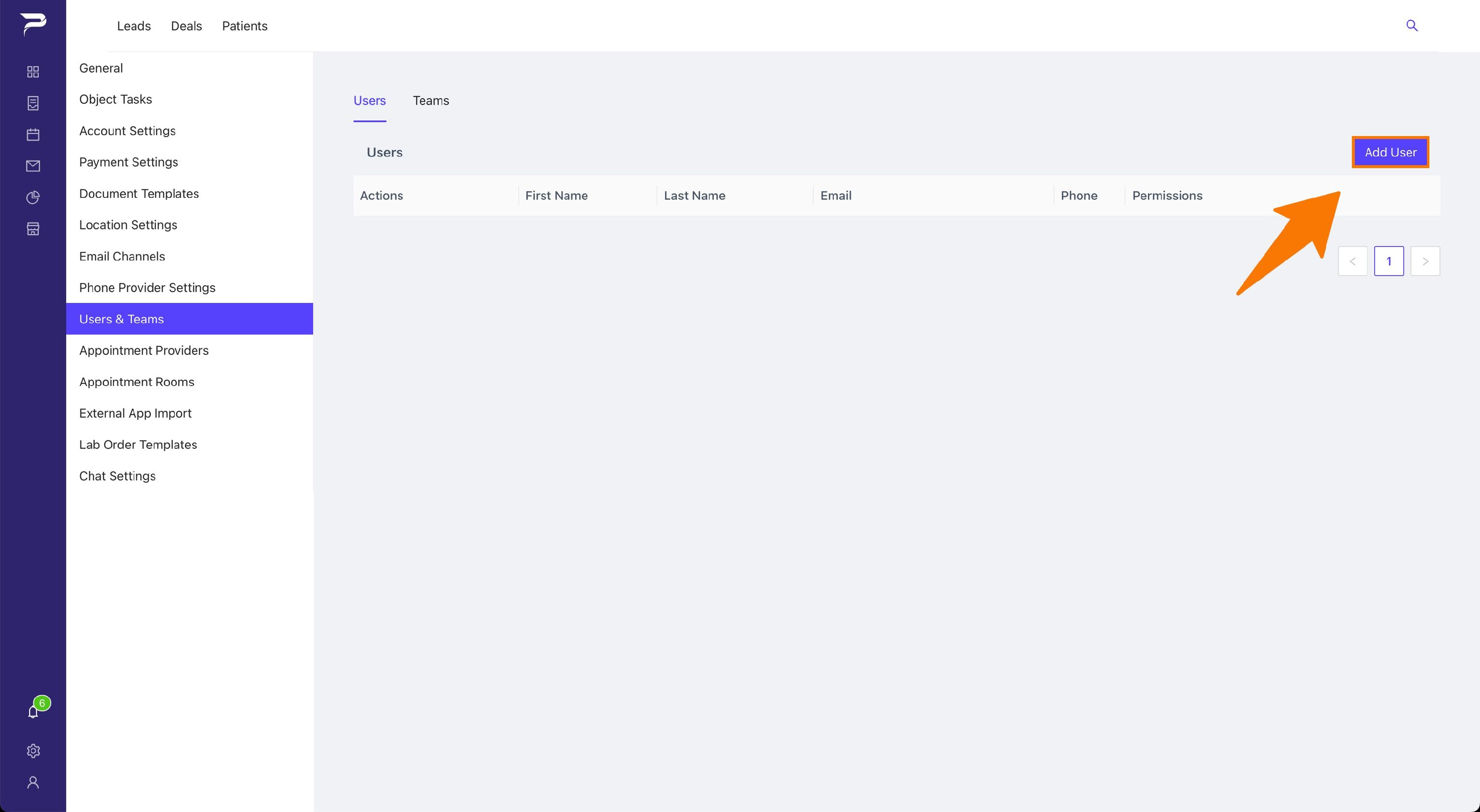
Click Add User
-
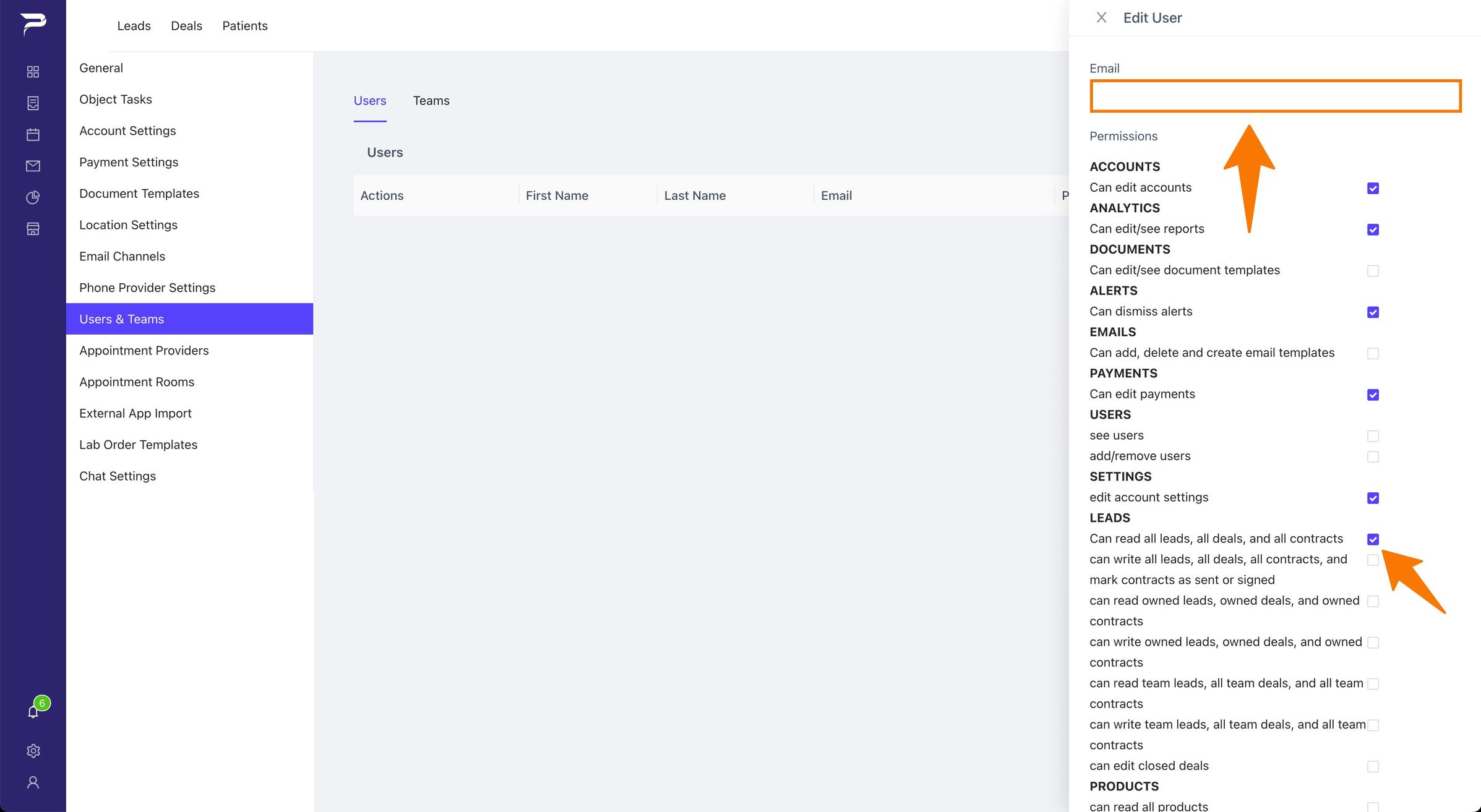
In the sidebar enter the email address of the user and select the permissions you want that user to have.
Related articles
Once the user has created their account and accepted the invitation you can follow the guide to add the user to the team that is linked below.